Home Screen
Complete overview of the Label Creator main screen and all its features.
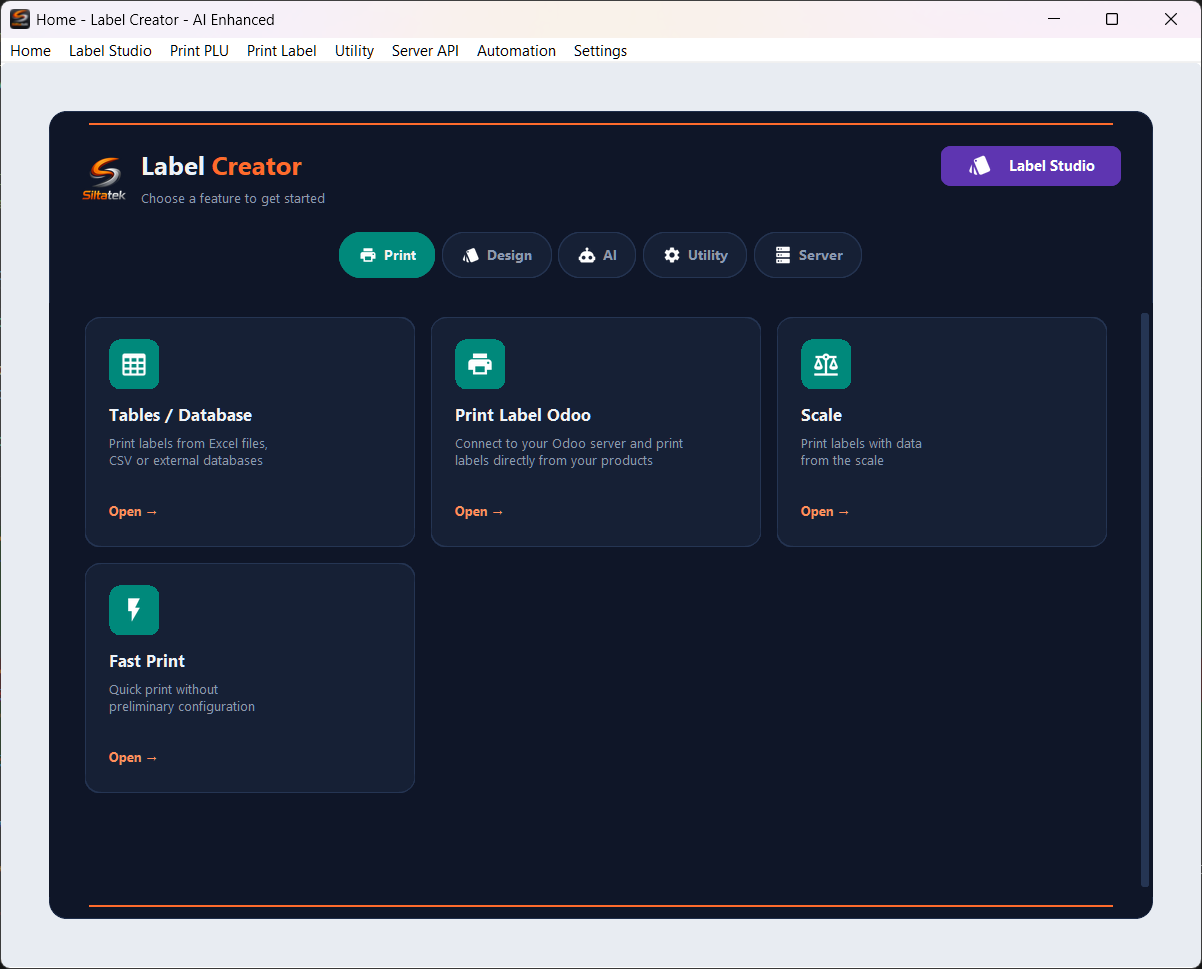
The Label Studio button is always accessible from the header, regardless of the selected category. This allows you to quickly switch to label design at any time.
Print Category
- Odoo Label Print — Connect to your Odoo server and print labels directly from your product catalog. Requires Odoo login credentials.
- Tables / Database — Import data from Excel (.xlsx), CSV or external databases and print labels in batch.
- Scale — Connect a scale to your computer and print labels with automatically detected weight.
- Fast Print — Quick printing without preliminary setup, ideal for single labels or small batches.
Design Category
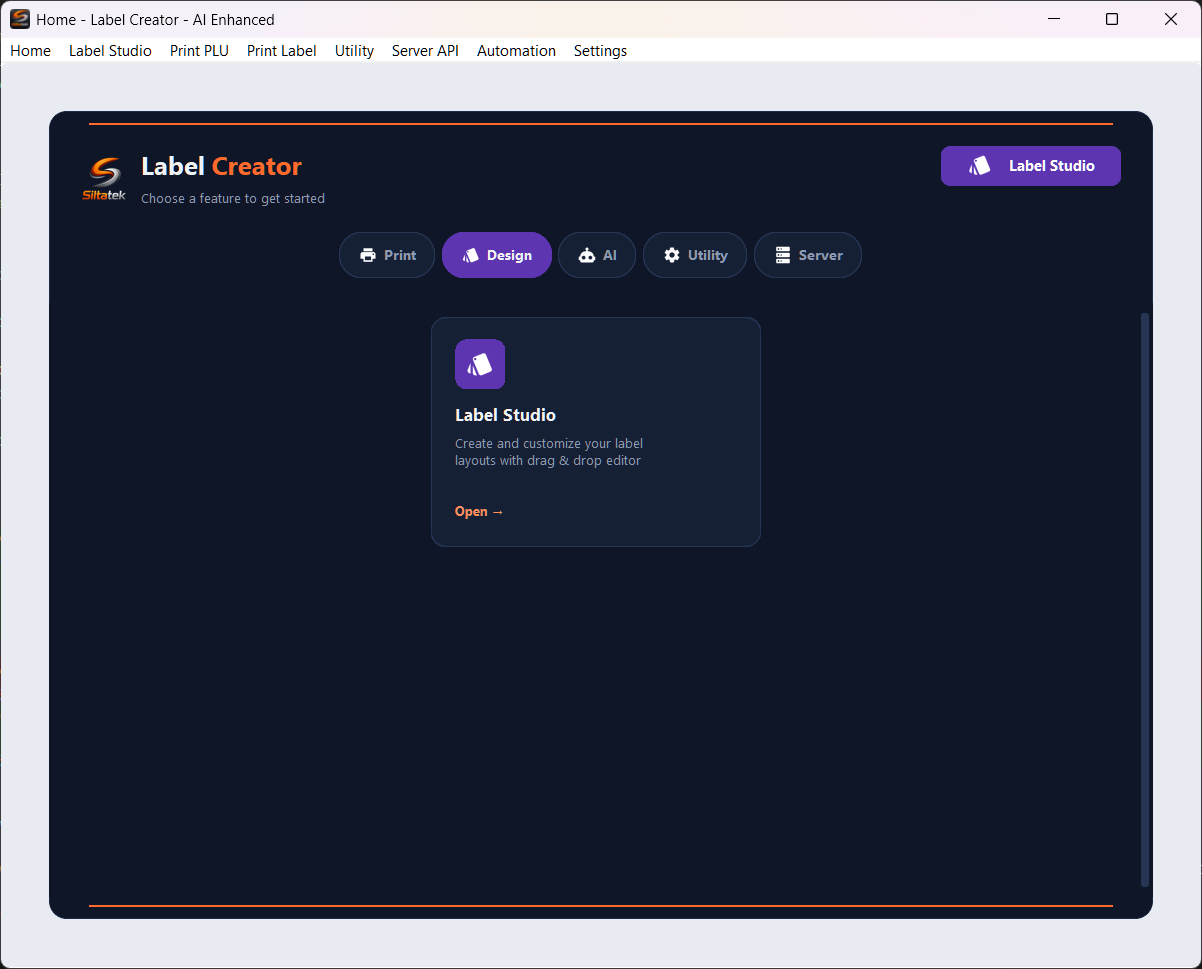
Label Studio is the integrated drag & drop editor for creating custom label layouts. You can add text, barcodes, images and dynamic fields linked to print data.
AI Category
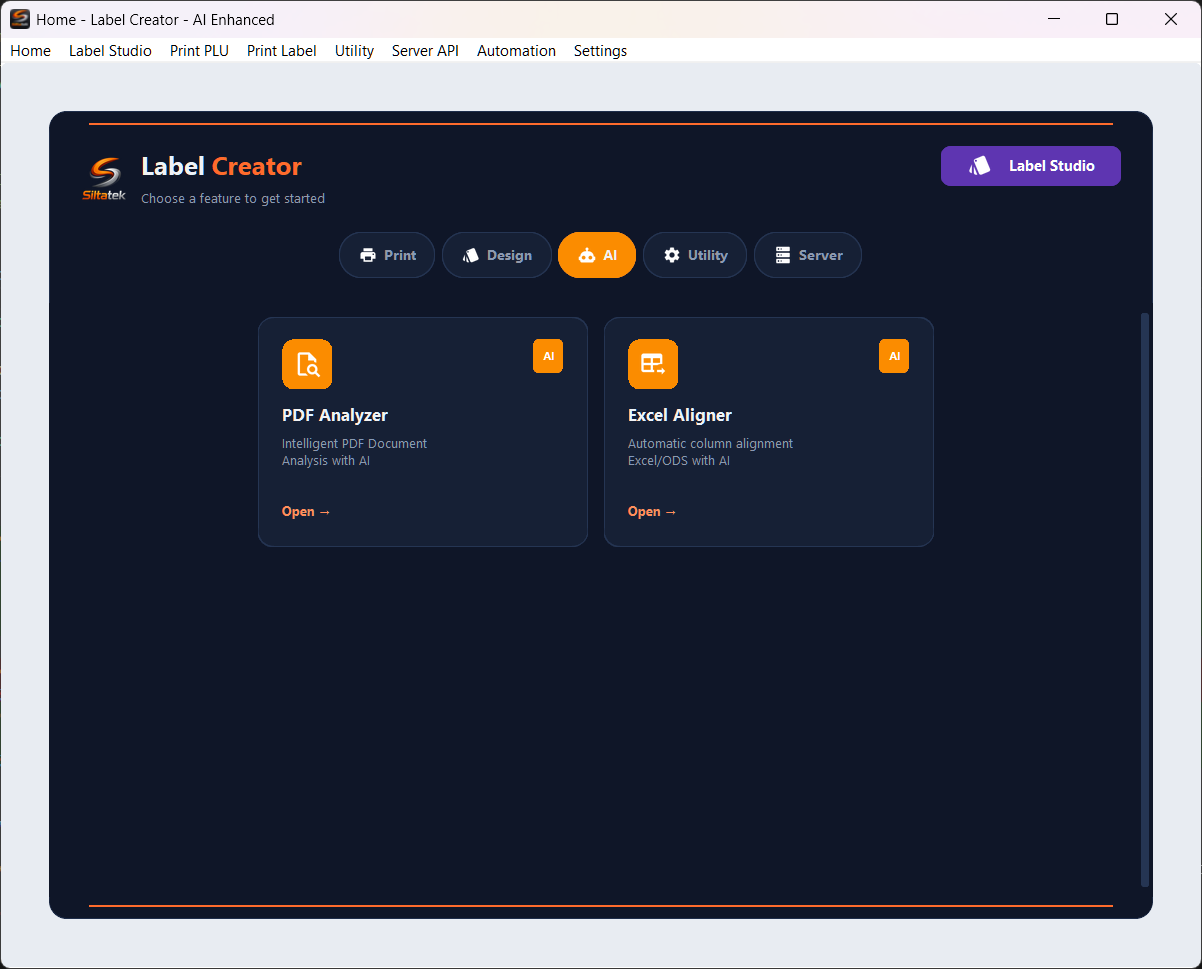
- PDF Analyzer — Intelligent PDF document analysis: extracts text, tables and structure with multi-model support.
- Excel Aligner — Automatically aligns Excel/ODS file columns to required fields using AI for semantic matching.
Utility Category
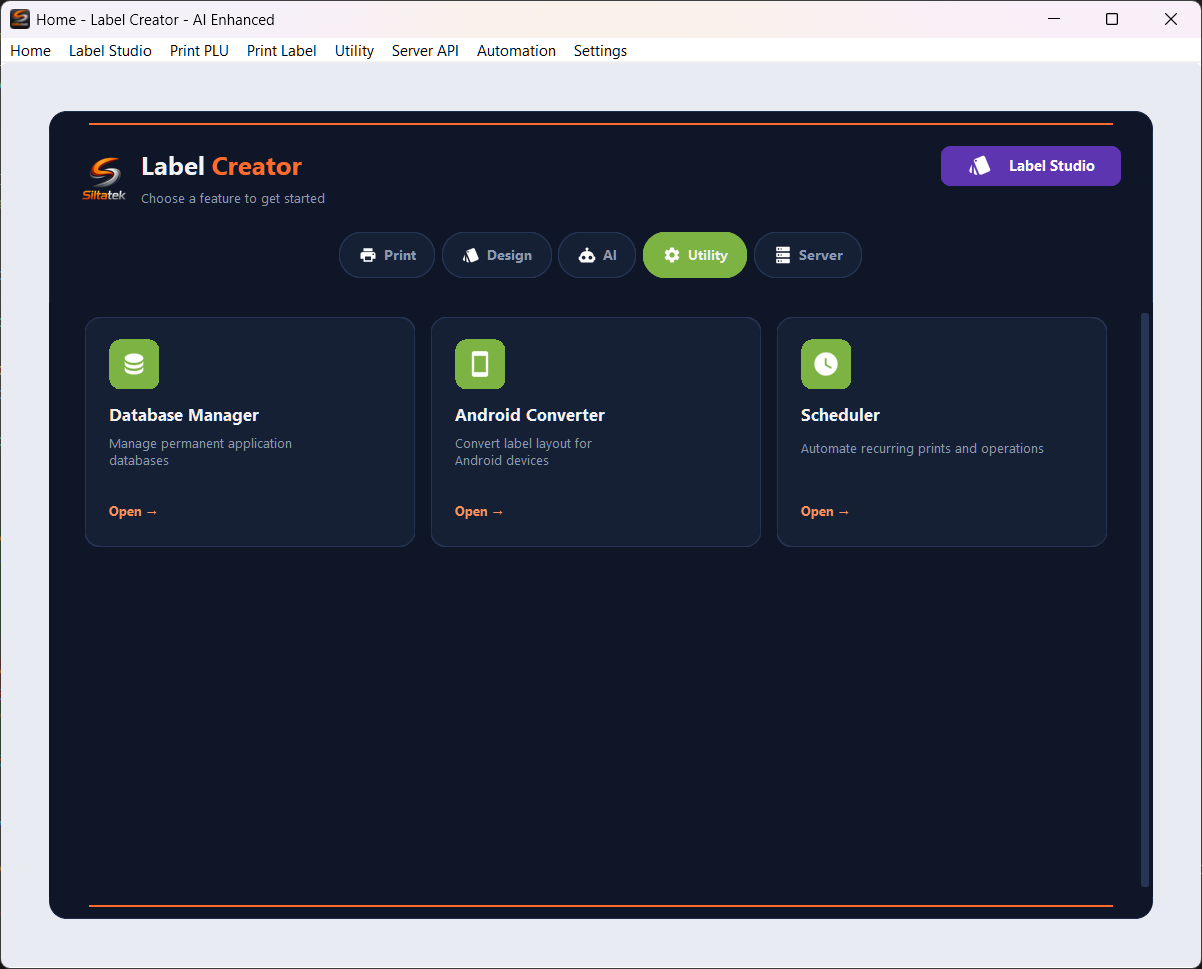
- Database Manager — Manage the application's permanent databases: create, import, export and edit datasets.
- Android Converter — Convert label layouts created with Label Studio to the format compatible with the SiltaFlow Android app.
- Scheduler — Automate recurring prints and operations by scheduling them with custom cron jobs.
Server Category

Server API allows generating labels via REST API calls. This feature is in beta and enables integration with external systems that need automated label generation.
Complete and free
Label Creator for Windows is free and complete: editor, connectors, printing and Server API included. No account, activation, trial period or paid plan.
Previous Label Creator and plugin versions are retired: migration to the new free versions is mandatory. Label Creator starts a new freeware series at 1.0.0; the plugin moves to 1.0.4. Updates are checked at startup and every 6 hours. You can work offline when no mandatory update is already known; a previously detected requirement remains active offline until the required update is installed.
Menu Bar
The menu bar at the top provides direct access to any feature without going through the Home categories:
- Label Studio — Opens the layout editor
- Print PLU — Print from Odoo
- Print Label — Print from tables/databases
- Utility — Utility tools
- Server API — API server management
- Automation — Scheduler and automations
- Settings — Application settings
The menu bar is always visible across all application screens, enabling quick navigation between modules.